

OpenSSN is a submarine simulator
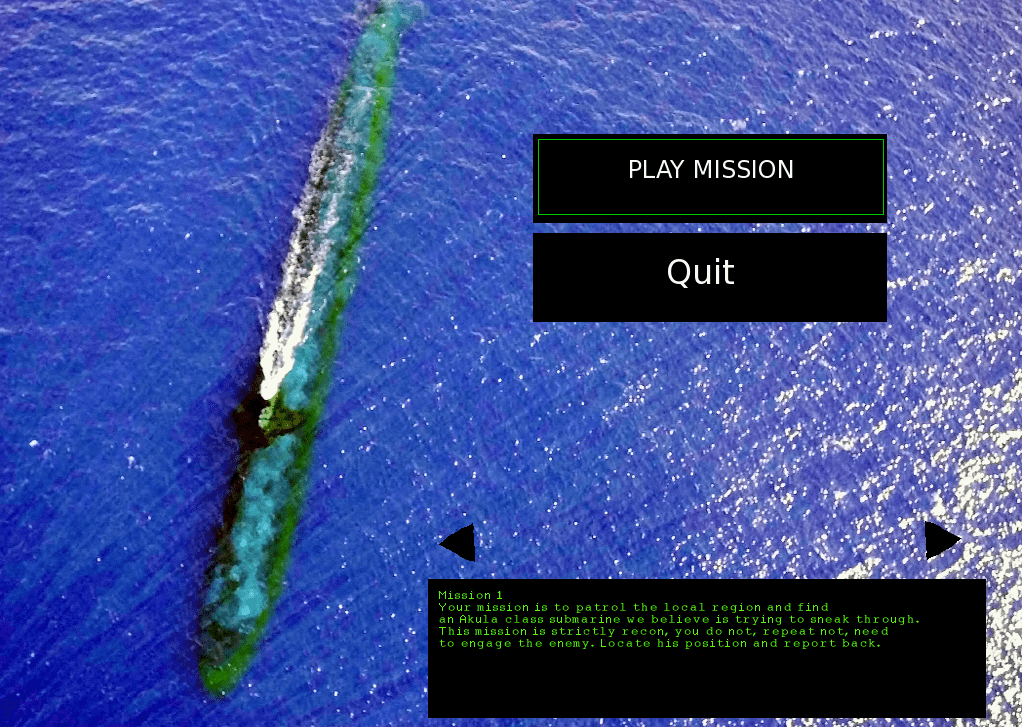
Sometimes referred to as SSN subsim – with modern classes of submarine. The player is able to pilot their submarine, detect vessels and engage with enemy ships. The game focuses on the tactical aspect of commanding a submarine, leaving many of the minor details up to the AI crew
Combat missions and ships with sonar will run from torpedoes and, if they can detect the player, will return fire.
Danger from the Deep is available, but it is strictly for World War II u-boats and needs relatively high graphics requirements than this does.
Downloads here:
Or visit Sourceforge here
Download OpenSSN or SubSim Source Files
This version of OpenSSN should now work on FreeBSD, Linux, Mac and Windows.
Besides platform compatibility work, the 0.7 version includes some new features, including:
Thermal layers, giving submarines new hiding places.
A new mission in which the player hunts a missile sub.
New depth controls and a depth meter showing thermal layers.
Improvements to the helm compass.
Improvements to the targeting system.
Licensing info:
The project is licensed under the GNU General Public License, version 2. The LinuxSSN project was also GNU GPL licensed.
Please see the LICENSE file for further details.
Data files, missions, artwork and images included in OpenSSN are licensed under the Creative Commons CC0 1.0 Universal license.
Please see the ART-LICENSE file for full details
Control Keys
The player’s submarine can be controlled with either the mouse or keyboard commands.
The following key commands are recognized
Pilot the submarine
+ Plus key Increase sub’s speed
– Minus key Slow down
Left keypad (4) Turn left
Right keypad (6) Turn right
Down keypad (2) Dive deeper
Up keypad (8) Rise toward the surface
Q Go up one thermal
A Hold depth here
Z Go down one thermal
System controls
F1 Sonar screen
F2 Map screen
F3 Weapons station
F4 Helm console
F5 ESM signals screen
F6 Radar screen
F10 Take screenshot
TAB Select next target
Delete Increase map scale
Insert Decrease map scale
Up, down, left, right Manipulate map
P Pause the game
Page Up Compress Time
Page Down Slow time
ESC Quit
Weapon controls of subsim
T Load a torpedo
N Load a noisemaker
U Unload a tube
F Fire a tube
(Each of the weapon station keys should be followed by a number indicating which tube should be loaded or fired. The tubes are numbered 1-6)
Sonar controls on subsim
G Send active sonar pulse
E Extend sonar array
R Retract towed sonar array
W Hold towed sonar in place
